
This procedure describes replacement of a faulty battery in the Xhorse Dolphin II XP005L.
Tools and parts in the source
-
Dolphin II XP005L key cutting machine.
-
Replacement battery pack.
-
Hex key: the source tool list says 5 mm, but its side panel procedure says 2.5 mm. Confirm the applicable size before work.
Remove the side panels
-
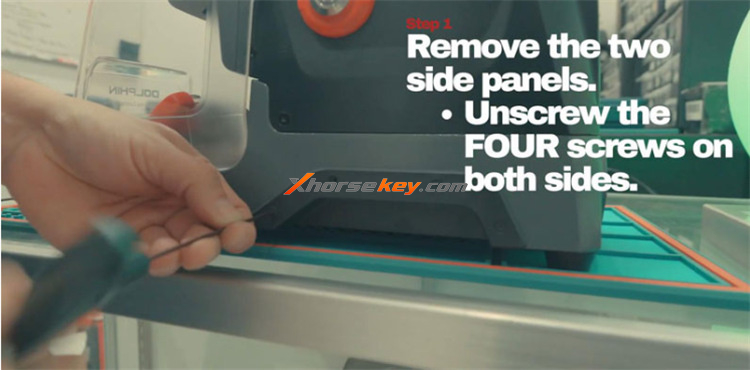
Remove the screws from both side covers. The source specifies a 2.5 mm hex key for this step.
-
Remove the side panels.
-
Keep the screws for installation.
Remove the bottom cover
-
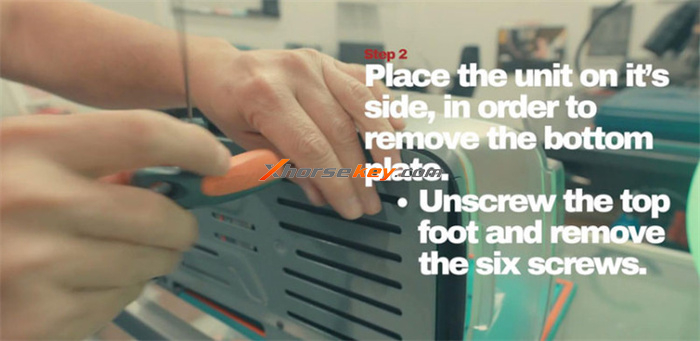
Carefully put the machine on its side.
-
Remove the upper rubber foot on the front side.
-
Remove the six screws from the base cover.
-
Remove the base cover to access the battery compartment.
Remove the battery
-
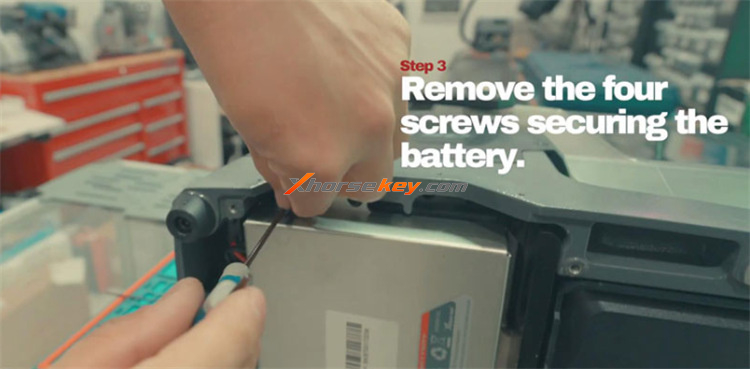
Remove the four battery mounting screws. There are two at the top and two at the bottom.
-
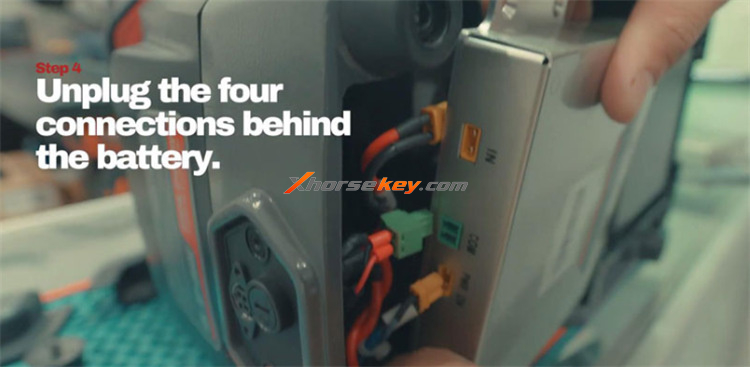
Disconnect the four electrical connectors behind the battery.
-
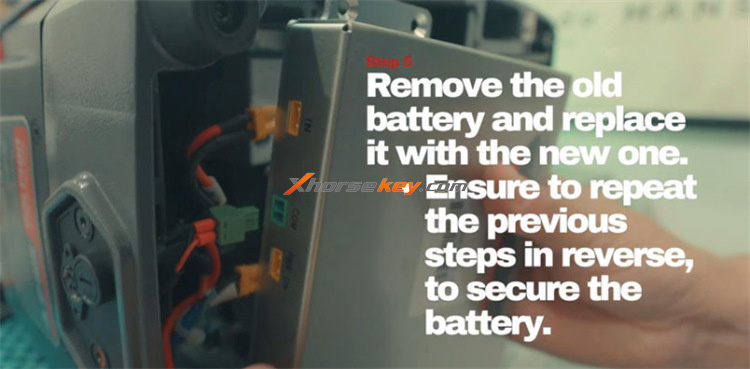
Remove the old battery.
Install the replacement battery
-
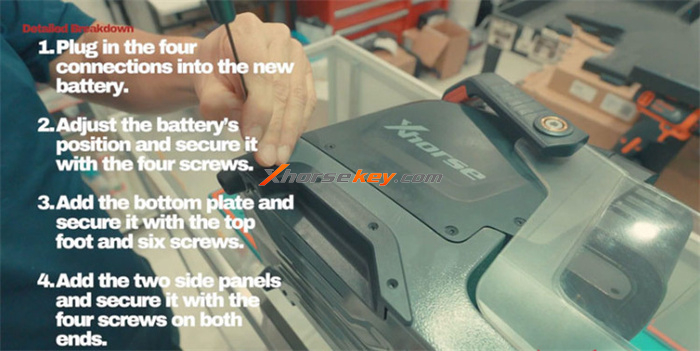
Connect all four connectors firmly to the replacement battery.
-
Put the battery in its compartment.
-
Install the four retaining screws.
-
Start the upper screws first to hold the battery in position.
-
Tighten the screws. Do not tighten them too much.
Install the covers
-
Install the base cover and front foot pad.
-
Install the six base screws. Start with the upper screws to keep the cover aligned.
-
Install both side panels and their screws.
Test the machine
-
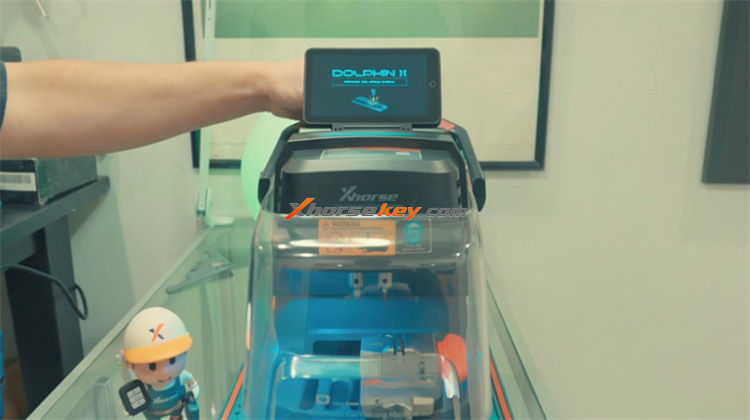
Start Dolphin II XP005L.
-
Check that the machine starts correctly.
-
Check that the battery indicator shows a full or nearly full charge.